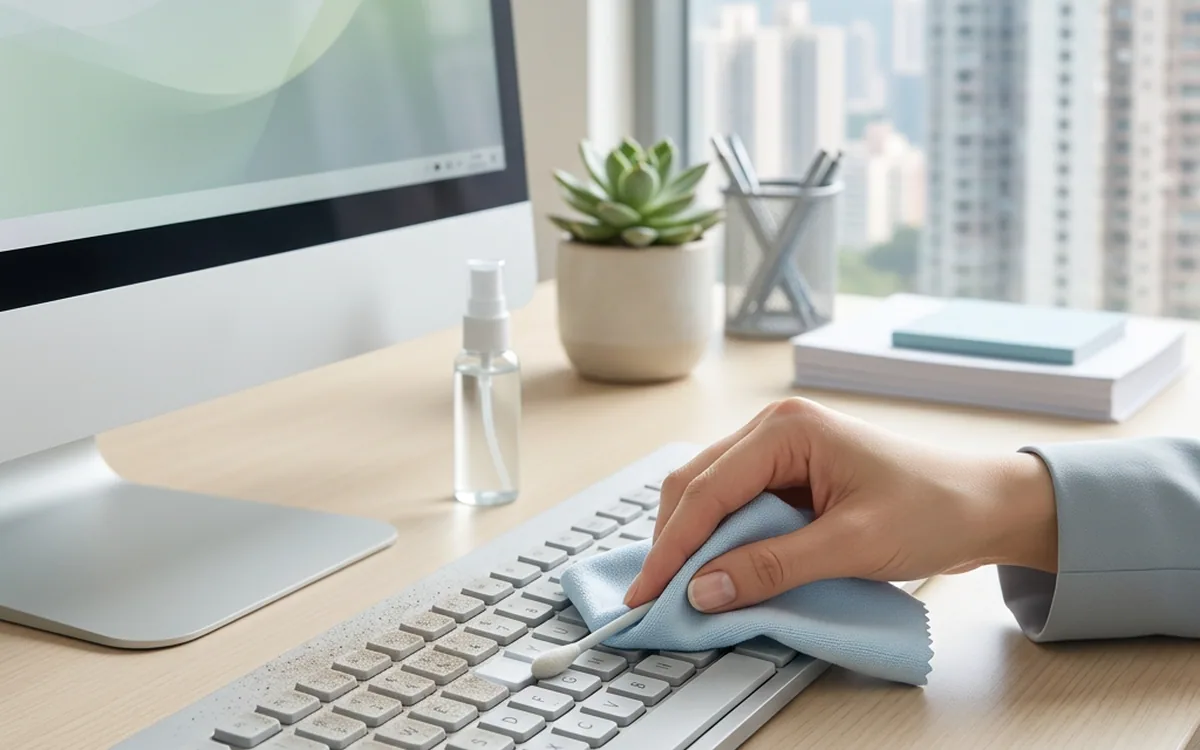
Micro-dust on screens and keyboards will increase visual fatigue and cause hardware failure. You should use a microfiber cloth with a dedicated liquid to wipe the screen, and use cleaning gel to handle keyboard gaps. Regular cleaning can prevent bacterial growth and improve operational sensitivity.
Impact of micro-dust on efficiency and health
Fingerprints and dust on the screen cause light diffusion, increasing the load on the eyes and brain. Dander and debris in keyboard gaps are not only breeding grounds for bacteria but also hinder key bounce, directly affecting typing efficiency.
Taboos and correct posture for screen cleaning
Never use dry paper towels to wipe the screen; their rough fibers will leave sun patterns on the coating. Ensure the power is turned off and cooled.
- Turn off and cool the display
- Use a microfiber cloth sprayed with a small amount of dedicated screen liquid
- Wipe the surface gently in the same direction
Deep cleaning plan for keyboards
Debris in keyboard gaps includes dander, food residue, and liquid residue. If not properly cleaned, it will corrode the circuit board.
- Use cleaning gel to roll and press the keyboard to suck away dust and dirt from the gaps
- Periodically use a small compressed air canister to blow away floating dust
- Wipe the surface with a slightly damp antibacterial wipe before leaving the seat
The importance of professional cleaning
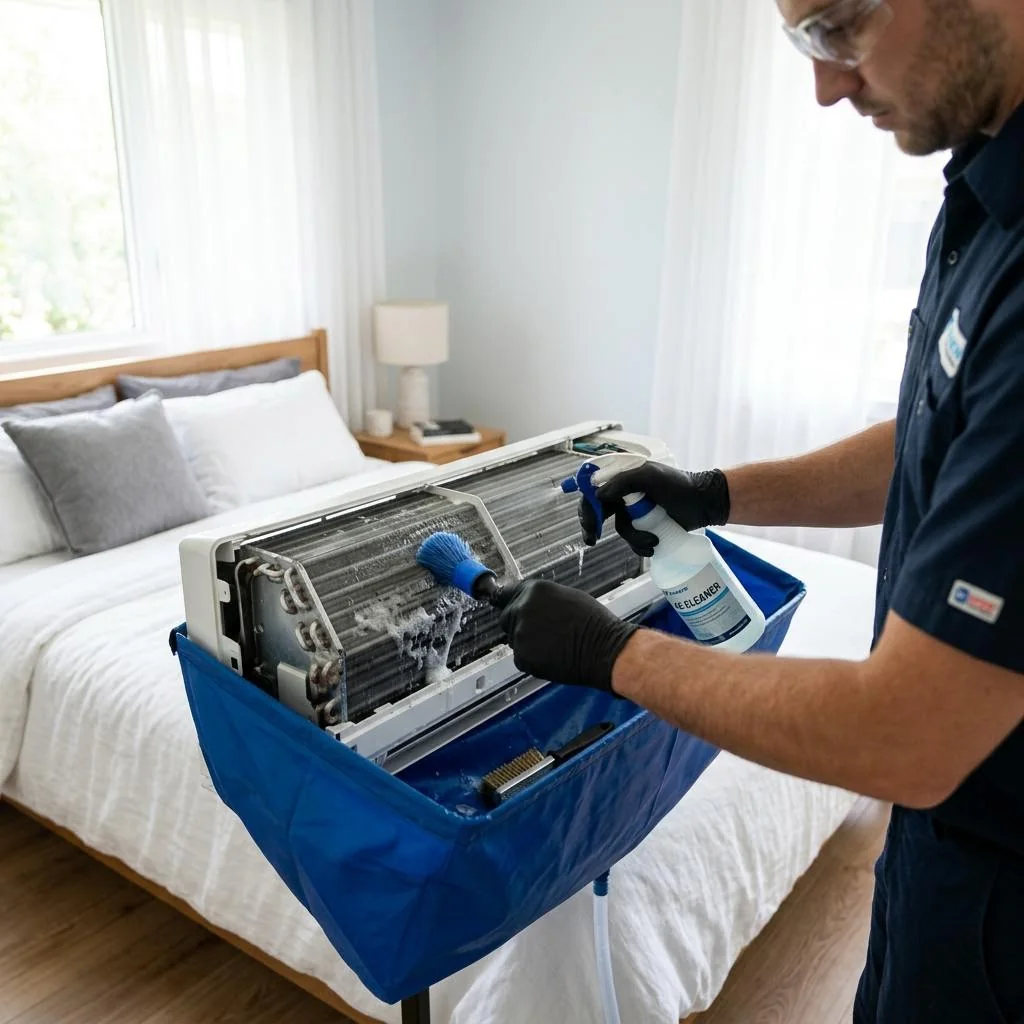
Office micro-dust sources include air-conditioning circulation and carpets. Individual daily cleaning can only handle the surface; if environmental hygiene issues persist, it is recommended to consult environmental hygiene treatment plans.