
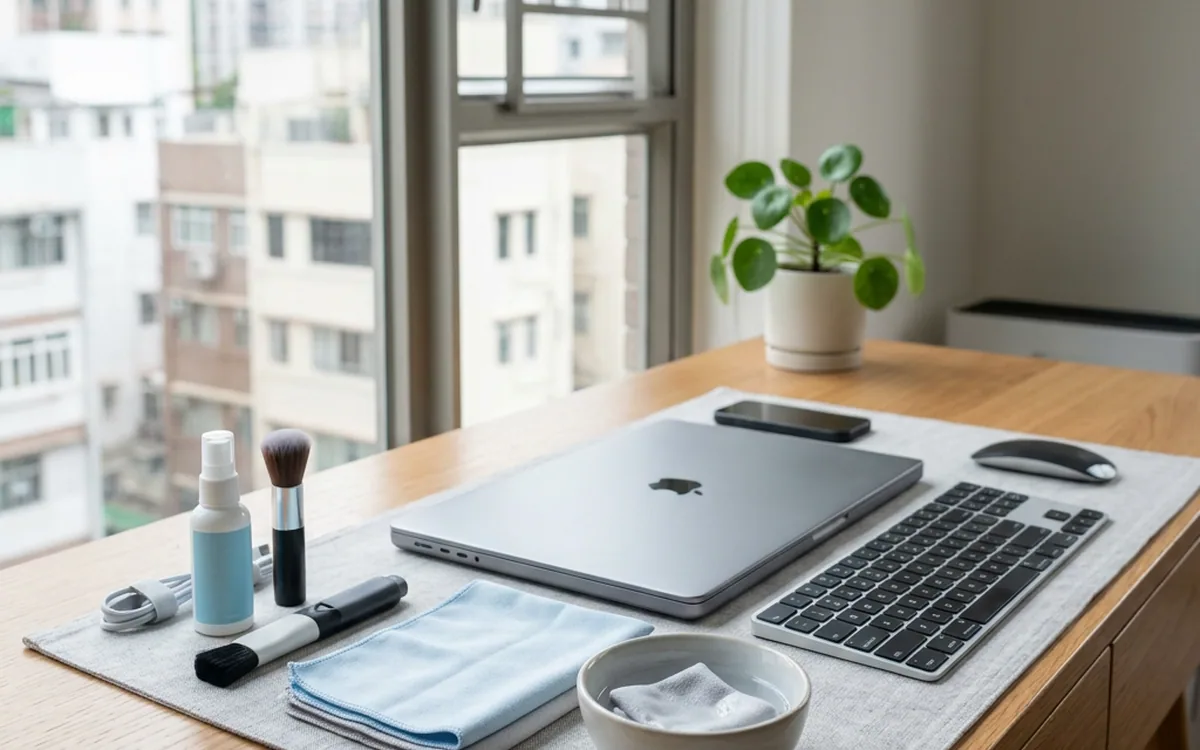
Electronic products must be disconnected from power during cleaning. Use a dry, soft microfiber cloth, and only if necessary, use a very small amount of plain water; never spray any liquid directly. It is strictly prohibited to use alcohol or strong chemical cleaning agents, and you should avoid cleaning circuit boards.
Basic rules for cleaning electronic products
Electronic products are delicate and sensitive; improper cleaning can easily cause damage. All cleaning work must be performed while completely disconnected from power, and moisture should be prevented from seeping into the device seams.
- Total power-off: Turn off and unplug the power cord before cleaning.
- Select tools: Use only fine-fiber dust-free cloths; never use paper towels or rough fabrics to avoid leaving scratches.
- Control humidity: If you need to remove stubborn stains, the cloth should be only "slightly" damp; it is absolutely forbidden to spray water directly onto the device.
Cleaning televisions and monitors
Screen coatings are extremely fragile; do not rub forcefully.
- Use a dry microfiber cloth to gently brush away dust from the screen surface.
- If there are fingerprints, use the cloth to clean in a very small circular motion.
- The gaps around the device casing can be cleaned with a dry brush to sweep out accumulated dust; never dig with sharp, hard objects.
Keyboards and input devices
Input devices easily trap fine debris and require careful maintenance.
- Turn the keyboard upside down and gently tap it to clear out large debris from the gaps.
- Use a can of compressed air to blow out dust between the keys; do not remove the keycaps yourself.
- Use a microfiber cloth with a tiny amount of neutral detergent to gently wipe the key surfaces; ensure they are completely dry before reconnecting power.
Notes and material safety
Many modern electronic products have oleophobic layers or special coatings; cleaning must strictly adhere to regulations.
- It is forbidden to use alcohol, acetone, or any corrosive solvents to avoid damaging the coatings.
- It is strictly forbidden to disassemble any casing to clean the inside; this will void the product warranty and poses a risk of electric leakage or short circuits.
- If the product is already damaged or moisture has seeped inside, take it to a professional repair center immediately; do not attempt to handle it yourself.